
 Skip to the good part.
Accessibility.
Designed to make finding and configuring your PC easier to use.
Ways to use the site
- Use the Skip to content link, headings and labelled sections to move around the page.
- All configuration choices are available as text controls. Use arrow keys within each component group, or the Jump to section menu.
- Open View controls in the studio for rotation buttons, zoom and component inspection. You can build and review a complete specification without manipulating the 3D preview.
- Use Pause animations at the top of any page to stop decorative animation. Your device’s reduced-motion preference is respected by default.
- Press Escape to close a dialog or return from the Original website preview.
- Text, product specifications and estimated performance remain available alongside visual previews.
Accessibility work
This independent design demo is being improved against the Web Content Accessibility Guidelines (WCAG) 2.2 Level AA. Keyboard interaction, text alternatives, contrast, reflow, focus handling and reduced motion are part of that work.
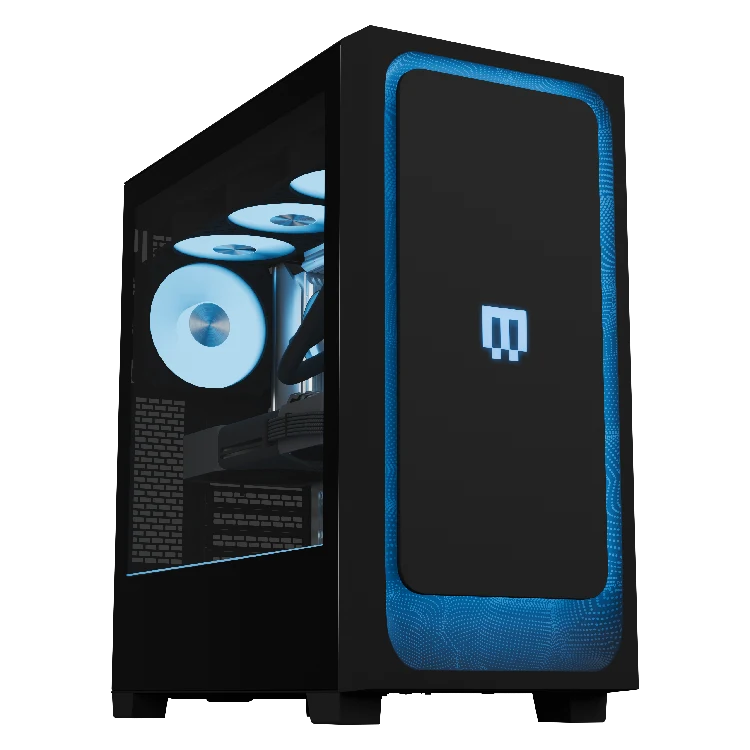
Automated checks do not establish complete conformance. Review with people who use assistive technology, including screen readers, is still needed. The 3D render is an illustrative visual aid; the labelled configuration controls and complete specification provide the selected build in text.
Original website and external services
The Original toggle displays static captures with written descriptions and a link to the live page. MAINGEAR checkout, account, financing and support services open on external websites. Their accessibility is outside this independent demo’s control.
If you need help
For a problem in this demo, send the demo owner the page address, the action you tried and your browser or assistive technology. For product or order assistance, use the support and contact page.
Accessibility information updated October 22, 2026.